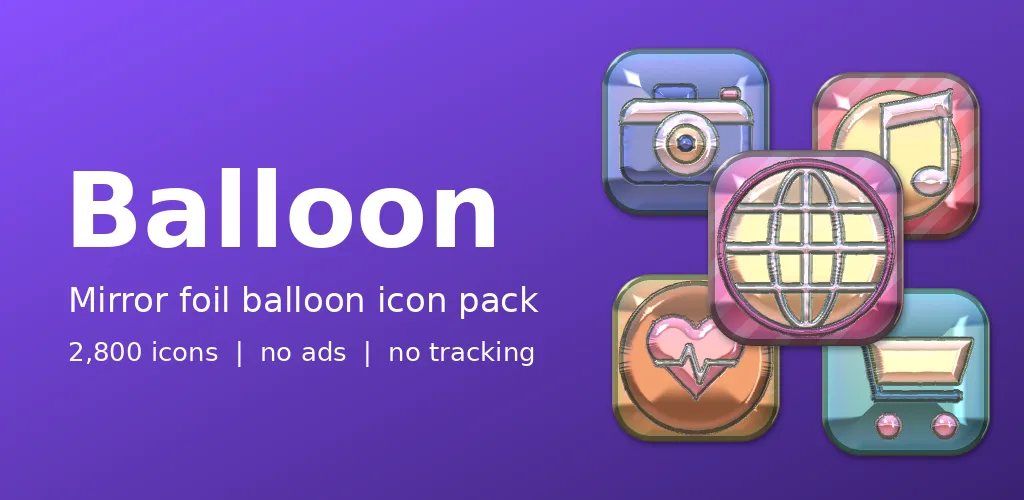
There is a particular joy in a foil balloon: the mirror shine, the crimped seams, the way it bobs. Balloon turns that into an Android icon pack, and its own icon is a wrapped gift, because a pack like this should feel a bit like a present.
Puffed, sealed and shiny
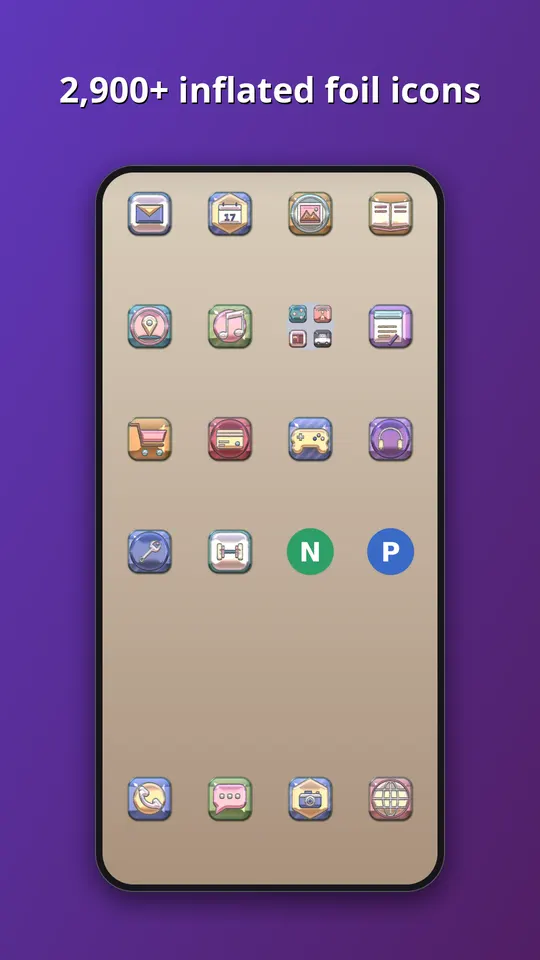
Each symbol looks inflated, with bright mirror highlights, a faint rainbow film along the edges and sealed seams where the foil meets. The symbols sit on plump cushion tiles that are plain, striped or polka-dot. There are ten foil shades: sky blue, hot pink, gold, lime, red, violet, aqua, silver, rose gold and mint.
Faking air, honestly
Nothing here is a photo of a balloon. Our renderer takes a generic symbol, gives it a rounded height as if air were pushing from inside, and then adds the reflections a mirror surface would pick up, plus the seam where two sheets would be pressed together. Symbol, shade and print are chosen separately for every icon, which stops the grid from looking stamped out. The most fiddly part was the rainbow film. A little looks like foil, and too much looks like an oil spill.
What is inside
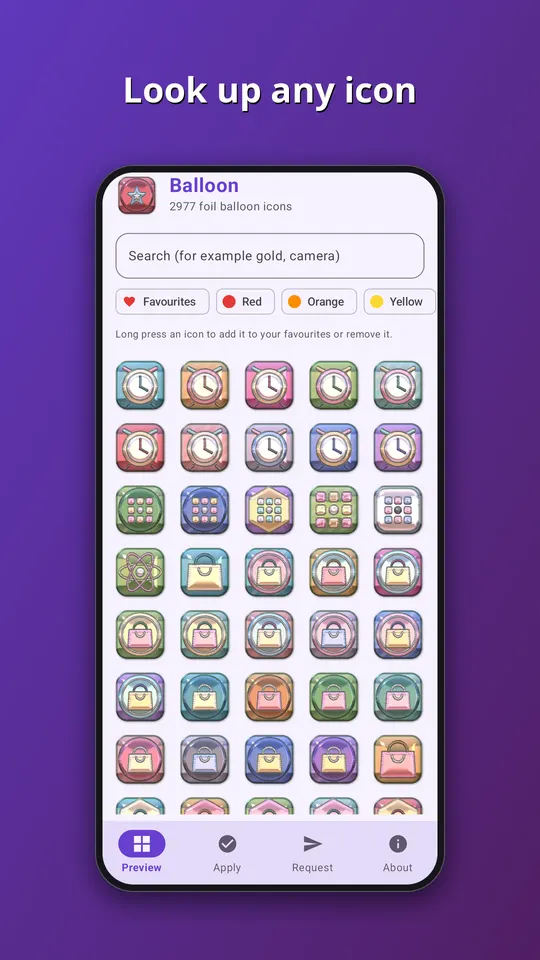
- Almost 3,000 icons in one style, in ten foil shades: sky blue, hot pink, gold, lime, red, violet, aqua, silver, rose gold and mint.
- A themed tile for apps that have no icon of their own yet, in this case a puffy cushion tile, so the grid has no gaps.
- An app that follows your phone into light or dark mode, with search across the whole set.
- An icon request screen. Tap Send and the list of apps you see, plus an email if you type one, goes straight to the developer. That is the only time the app goes online.
- No ads, no analytics and no subscription. It is a one-time purchase of EUR 1.49 on Google Play.
All the symbols are generic. They are drawn by our own tools, and none of them copies a company logo, so no app is promised an exact match. Apps get a symbol that suits what they do, in a colour close to their own.
How to use it
- Install a launcher that supports icon packs. Many do, and your current one may already.
- Open Balloon and go to the Apply tab. Pick your launcher for a one-tap apply, or open the launcher settings and choose Balloon as the icon pack.
- Later, after the pack has been updated, tap Refresh icons in the app to apply the new set again. If the launcher still shows old icons, restart it.
Take a look
You can read more on the Balloon: Mirror Foil Icons page, watch the trailer on YouTube, or go straight to Balloon on Google Play. If an icon you need is missing, send us a request from the app and we will see what we can do.
More icon packs: Gummy: Candy Icon Pack and Neon: Glowing Tube Icons.