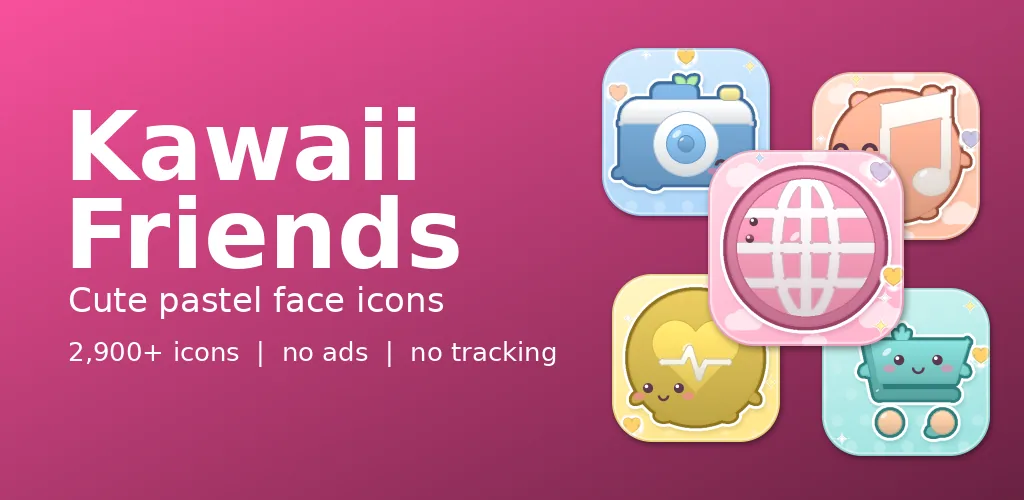
Kawaii is the art of making something so cute that you cannot be annoyed at it. Kawaii Friends applies that to your launcher: plump pastel blobs with tiny faces, keeping you company on your home screen.
Two bead eyes and a small smile
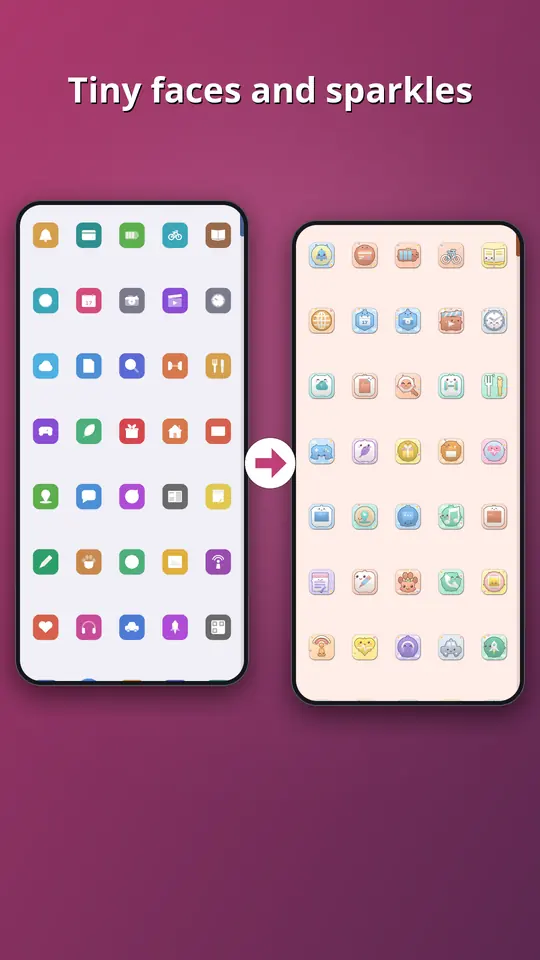
Every symbol is a rounded blob outlined in a deeper tint of its own colour, with two bead eyes, a small smile and rosy cheeks. Sparkles and little hearts float around each one. The faces were invented for this pack and belong to no existing character. Each friend sits on a pastel plate with its own pattern, polka dots, fluffy clouds or twinkling stars, and the plate fades gently from one candy shade to a lighter one.
Cute is a precision job
The difference between a charming face and a creepy one is a few pixels. Eyes set a little too close together look worried, too far apart and they look vacant. We spent most of the time on proportions: the size of the cheeks, the distance between eyes and smile, how much outline a blob can take before it stops looking soft. Matching an app to a friend is done by job and by hue, so the messenger you know wears a friend that suits chatting, in a shade near its usual colour.
What is inside
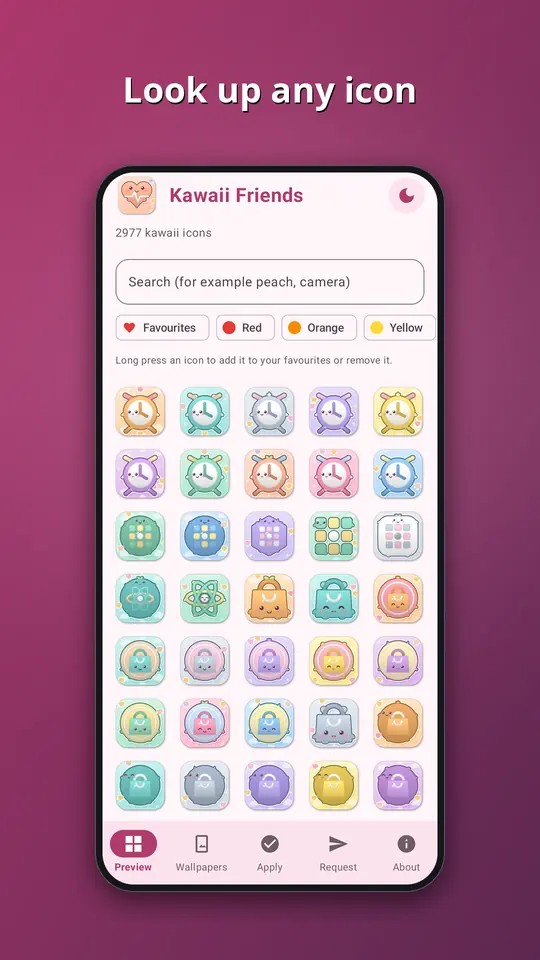
- 2,900+ icons in one style, in ten candy colours: peach, mint, lavender, sky, lemon, rose, aqua, lilac, apricot and cloud.
- A fallback tile for apps that have no icon of their own yet, a plain pastel plate, on launchers that let an icon pack supply one, so the grid has no gaps.
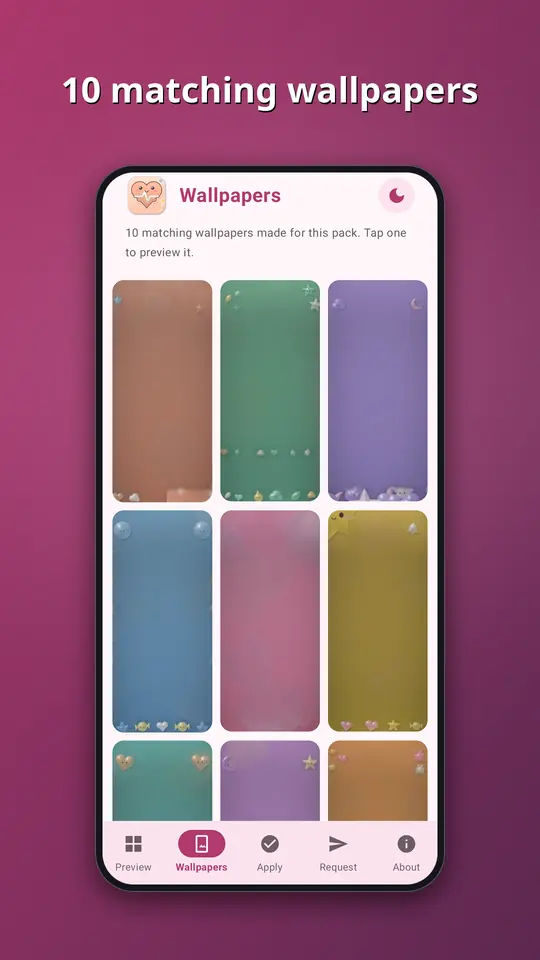
- 12 matching wallpapers, made to go with the icons. Set one for the home screen, the lock screen or both from the Wallpapers tab.
- Dark and light mode, with a toggle in the app or following your phone, and search across the whole set.
- An icon request screen. Tap Send and the list of apps you see, plus an email if you type one, goes straight to the developer. That is the only time the app goes online.
- No ads, no analytics and no subscription. It is a one-time purchase of EUR 1.99 on Google Play.
All the symbols are generic. They are drawn by our own tools, and none of them copies a company logo, so no app is promised an exact match. Apps get a symbol that suits what they do, in a colour close to their own.
Twelve wallpapers to match
An icon pack looks best on a wallpaper that belongs to it, so Kawaii Friends comes with twelve. They share the colours and the mood of the icons, and you can set any of them from the app without installing anything else.
How to use it
- Install a launcher that supports icon packs, such as Nova Launcher, Lawnchair, Niagara, Smart Launcher, Apex Launcher or ADW Launcher. Your current one may already.
- Open Kawaii Friends and go to the Apply tab. Pick your launcher for a one-tap apply, or open the launcher settings and choose Kawaii Friends as the icon pack.
- Later, after the pack has been updated, tap Refresh icons in the app to apply the new set again. If the launcher still shows old icons, restart it.
On a Samsung phone? Samsung's own launcher, One UI Home, does not support icon packs, so install one of the launchers above first and set it as your home app. The app has a short guide that walks you through it.
Take a look
You can read more on the Kawaii Friends: Cute Icons page or go straight to Kawaii Friends on Google Play. If an icon you need is missing, send us a request from the app and we will see what we can do.
More icon packs: Critter Pals: Monster Icons and Gummy: Candy Icon Pack.