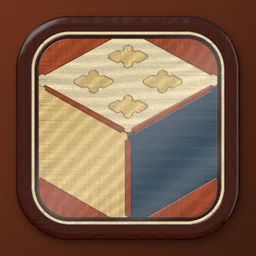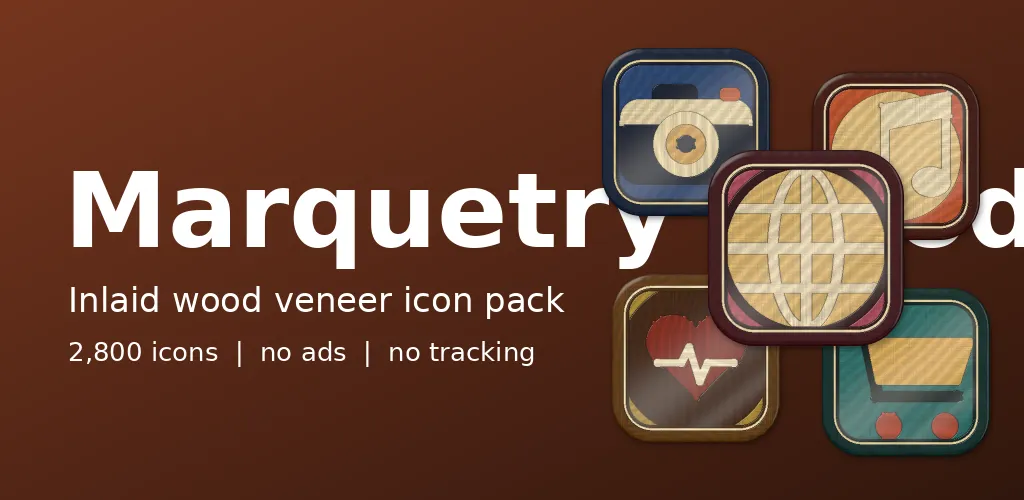
Open the lid of an old inlaid box and look closely. Every part of the picture is a different piece of wood, cut to fit. Marquetry Wood borrows that craft for a phone. The pack icon is a small cube made of wood pieces, which seemed the right way to introduce it.
Veneer under gloss
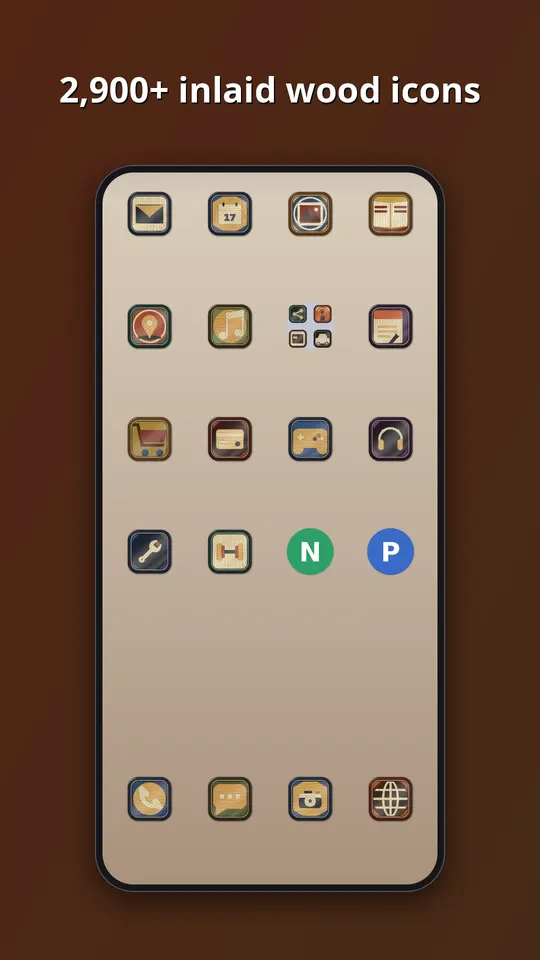
Each icon is assembled from veneer pieces, every piece in a different timber with its own grain, then sealed under glossy lacquer. A thin stringing line runs around the field inside a mitred wooden frame. The tones are named after woods: azure, rosewood, satinwood, olive, cherry, purpleheart, teal, ebony, padauk and sage.
Grain by algorithm
We do not scan wood. The renderer generates grain as a pattern of lines that flow along each piece, and it turns the grain a different way on neighbouring pieces, because that is what gives real marquetry its patchwork look. Gloss goes on last, as a soft highlight over the whole picture. The craft rule we kept in mind was that every piece must be a single timber. So the code never blends two woods inside one shape.
What is inside
- Almost 3,000 icons in one style, in ten timbers: azure, rosewood, satinwood, olive, cherry, purpleheart, teal, ebony, padauk and sage.
- A themed tile for apps that have no icon of their own yet, in this case a mitred wooden frame with a stringing line, so the grid has no gaps.
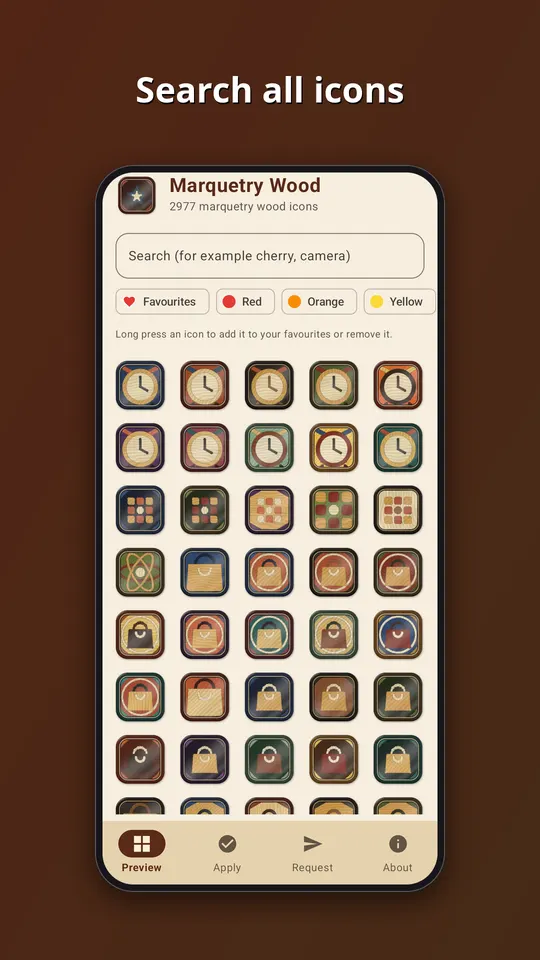
- An app that follows your phone into light or dark mode, with search across the whole set.
- An icon request screen. Tap Send and the list of apps you see, plus an email if you type one, goes straight to the developer. That is the only time the app goes online.
- No ads, no analytics and no subscription. It is a one-time purchase of EUR 1.49 on Google Play.
All the symbols are generic. They are drawn by our own tools, and none of them copies a company logo, so no app is promised an exact match. Apps get a symbol that suits what they do, in a colour close to their own.
How to use it
- Install a launcher that supports icon packs. Many do, and your current one may already.
- Open Marquetry Wood and go to the Apply tab. Pick your launcher for a one-tap apply, or open the launcher settings and choose Marquetry Wood as the icon pack.
- Later, after the pack has been updated, tap Refresh icons in the app to apply the new set again. If the launcher still shows old icons, restart it.
Take a look
You can read more on the Marquetry Wood: Inlaid Icons page, watch the trailer on YouTube, or go straight to Marquetry Wood on Google Play. If an icon you need is missing, send us a request from the app and we will see what we can do.
More icon packs: Stitched Leather: Icon Pack and Terrazzo: Marble Chip Icons.