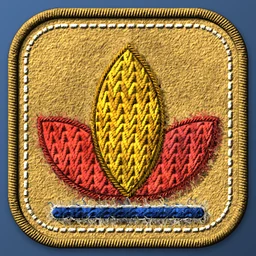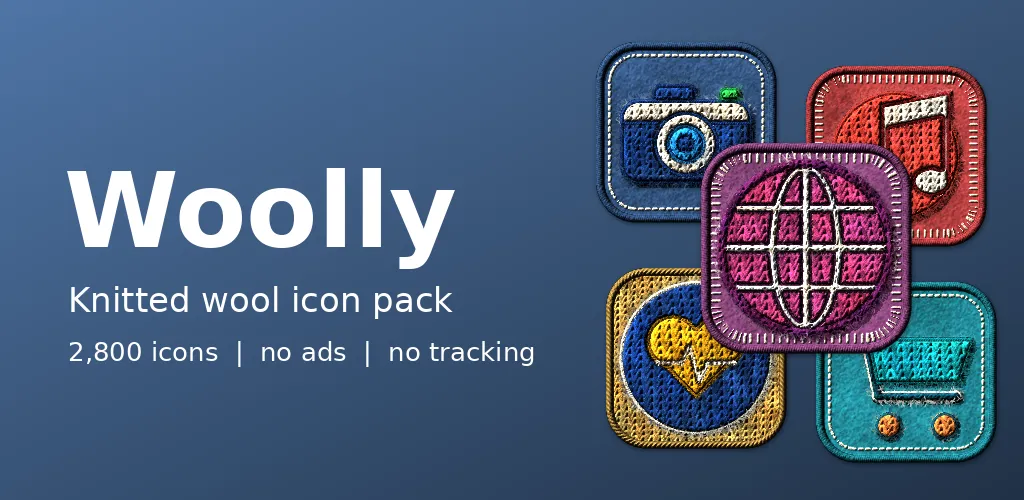
Most icon packs are flat and clean. We wanted to know what a home screen would feel like if it were soft. Woolly is our answer: an Android icon pack where every symbol looks sewn from chunky yarn onto a square of felt.
What you will see
Each icon is a simple symbol, a lotus, a camera, a cart, built from rows of knit stitches with a rope border pulled tight around it. The tile behind it is felt, finished with blanket stitch or a knitted edge, and there are loose fibres at the edges so nothing looks too perfect. The palette is ten yarns: ocean, berry, sunny, meadow, cherry, grape, teal, graphite, coral and mint.
How we made it
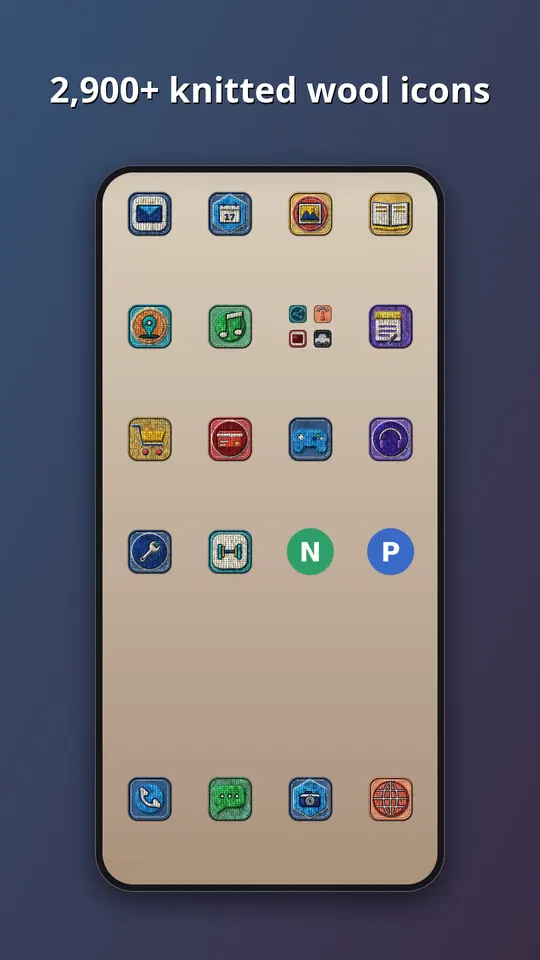
We did not photograph knitting, and nobody sat down with needles. The icons come from our own renderer: a library of generic glyphs is turned into stitches, fibres and shadows by code, and the same glyph can come out in any yarn and on any of the three tile styles. That is how a pack reaches almost 3,000 icons while no two share the same mix of symbol, yarn and tile. Getting the stitches to read at launcher size was the hard part. Up close they look like wool, and at 48 pixels they still have to look like the right symbol.
What is inside
- Almost 3,000 icons in one style, in ten yarns: ocean, berry, sunny, meadow, cherry, grape, teal, graphite, coral and mint.
- A themed tile for apps that have no icon of their own yet, in this case a felt tile with a stitched border, so the grid has no gaps.
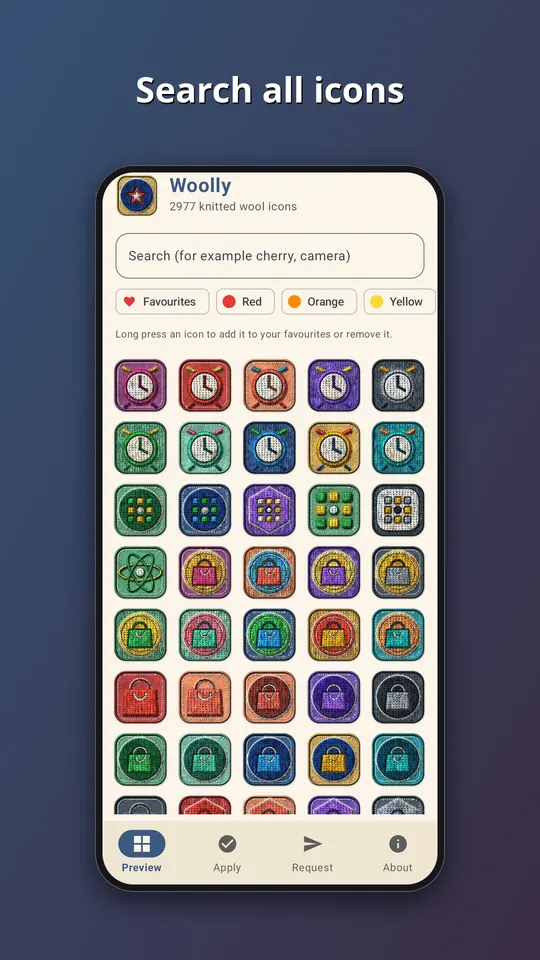
- An app that follows your phone into light or dark mode, with search across the whole set.
- An icon request screen. Tap Send and the list of apps you see, plus an email if you type one, goes straight to the developer. That is the only time the app goes online.
- No ads, no analytics and no subscription. It is a one-time purchase of EUR 1.49 on Google Play.
All the symbols are generic. They are drawn by our own tools, and none of them copies a company logo, so no app is promised an exact match. Apps get a symbol that suits what they do, in a colour close to their own.
How to use it
- Install a launcher that supports icon packs. Many do, and your current one may already.
- Open Woolly and go to the Apply tab. Pick your launcher for a one-tap apply, or open the launcher settings and choose Woolly as the icon pack.
- Later, after the pack has been updated, tap Refresh icons in the app to apply the new set again. If the launcher still shows old icons, restart it.
Take a look
You can read more on the Woolly: Knitted Wool Icons page, watch the trailer on YouTube, or go straight to Woolly on Google Play. If an icon you need is missing, send us a request from the app and we will see what we can do.
More icon packs: Stitched Leather: Icon Pack and Clay: Plasticine Icon Pack.