Circuit Board: Tech Icons
Gold copper, vias and solder pads on a coloured board: your apps as hardware. Privacy Policy Terms
Android icon pack, one-time purchase of €1.49 on Google Play, no ads, no subscription.

Screenshots
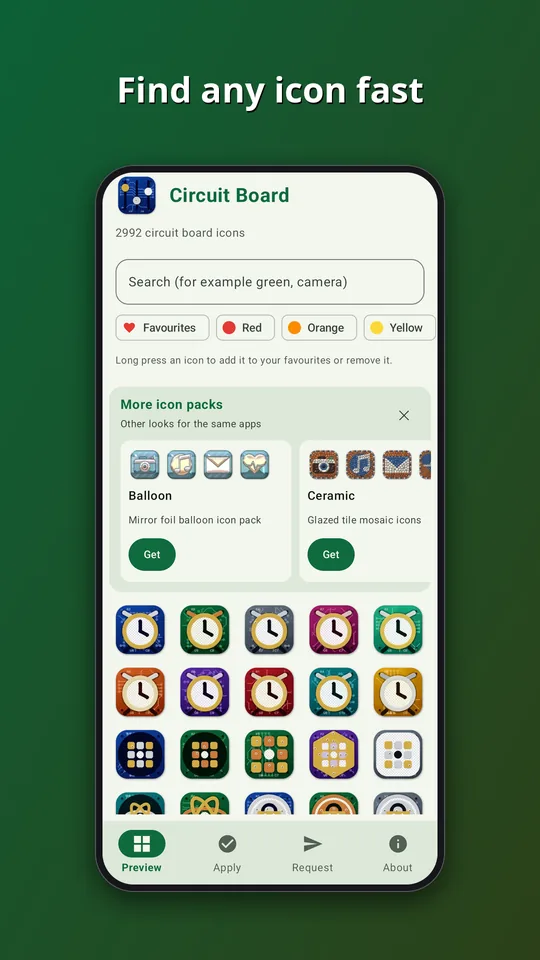
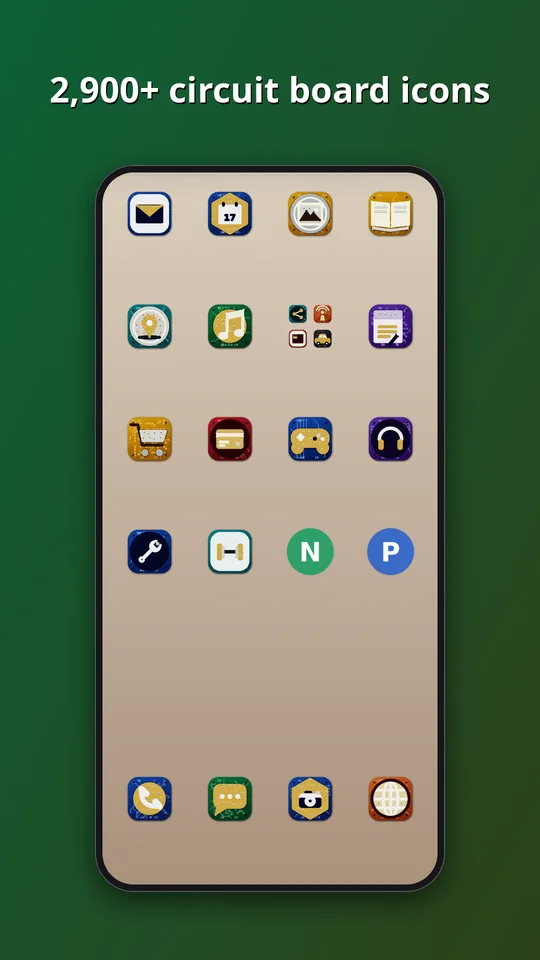
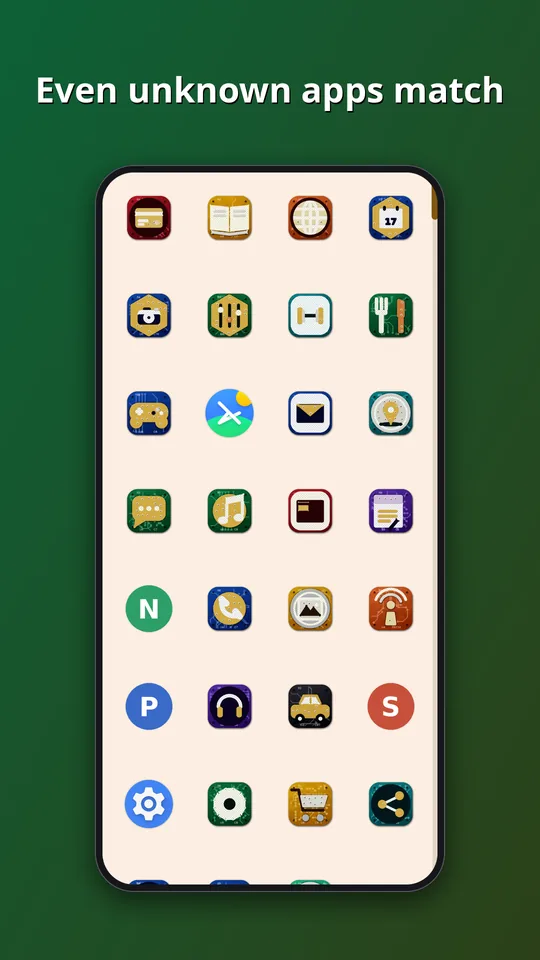
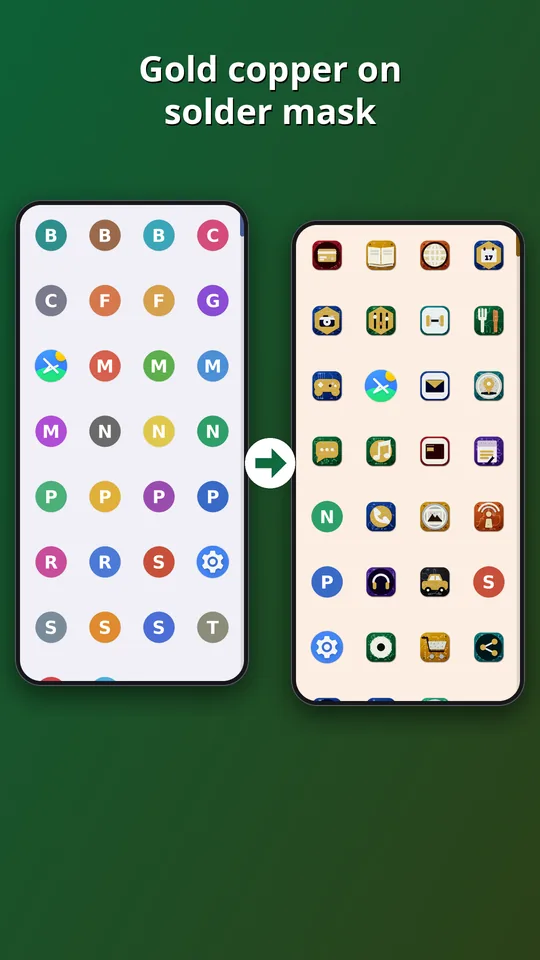
Every icon in one hand-made style, with a matching tile for apps that have no icon yet
Pay once on Google Play, no subscription and no in-app purchases to unlock icons
The app only goes online when you tap Send on an icon request
Use any Android launcher that supports icon packs, open the app and press Apply
About this icon pack
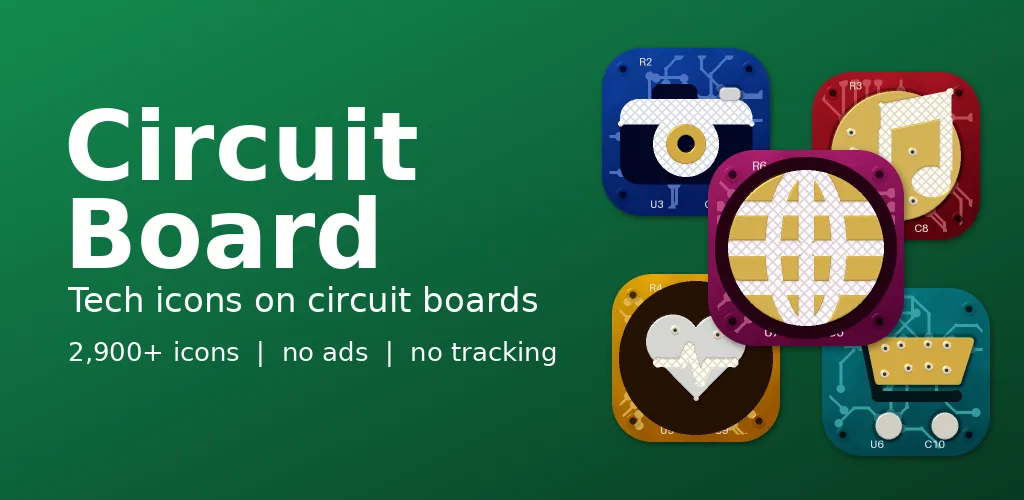
Open the back of any gadget and you find a small green city of copper. Circuit Board turns your home screen into that view. More than 2,900 icons, each one laid out like a printed circuit board, with the symbol itself cast in shiny gold.
THE BOARD
Every symbol is a pour of gold-plated copper with a thin dark gap around its edge, the way a real layout keeps its parts apart. Tiny vias and solder pads dot the metal, and a few traces leave the shape and bend away at 45 degrees. Faint copper lines run under the coloured coating behind it, and four mounting holes sit in the corners.
THE COPPER
Some parts of a symbol are plated in a second metal, such as pale silver or warm bronze. Other parts are printed in white silkscreen ink with a fine crosshatch, and a few are bare black board. Together they give each shape a clear inside and outside, even at launcher size.
SOLDER MASK COLOURS
Ten board colours: blue, magenta, yellow, green, red, purple, teal, grey, orange and mint, with black kept for the darkest icons. Each app receives a symbol suited to its job and lands on whichever board colour comes nearest to its own. Three routing patterns change what runs beneath: free traces, parallel bus lines or a lattice of vias.
PLUG IT IN
Any launcher with icon pack support will do. Start Circuit Board, hit Apply, and look up any symbol from the dashboard, which respects the night mode of your phone. Missing one? Find the app in the Request tab and tap Send. Apps that still lack a symbol get a plain board tile, on launchers that fill those in.
WHAT TO KNOW
We drew each symbol ourselves as a generic shape. None copies any company logo, and the makers of your apps play no part in it. It carries no ads and no analytics, and nothing leaves your phone until you press Send. A single purchase covers it, and nothing renews. Made by Mortek.