Die-cut Stickers: Vinyl Icons
Glossy vinyl stickers with white borders and a little foil shine on your screen. Privacy Policy Terms
Android icon pack, one-time purchase of €1.49 on Google Play, no ads, no subscription.

Screenshots
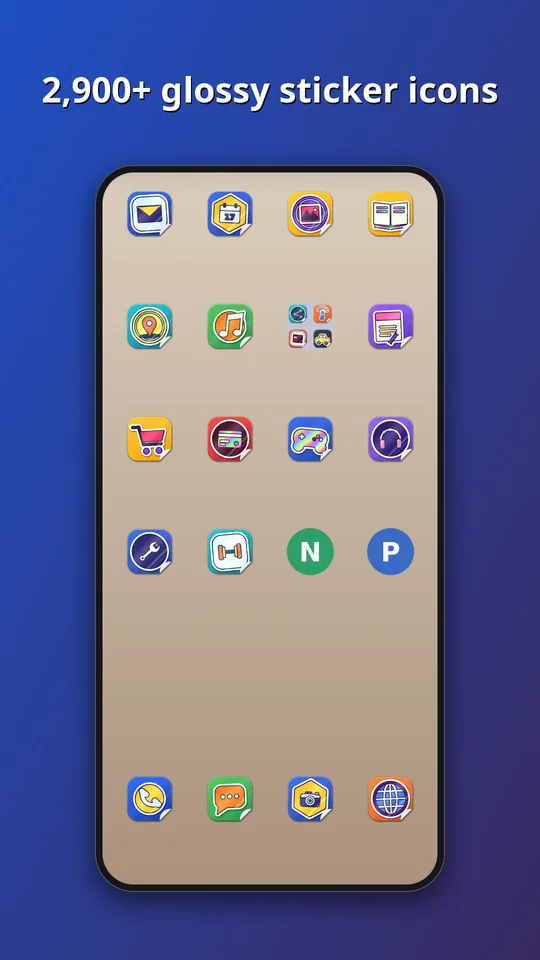
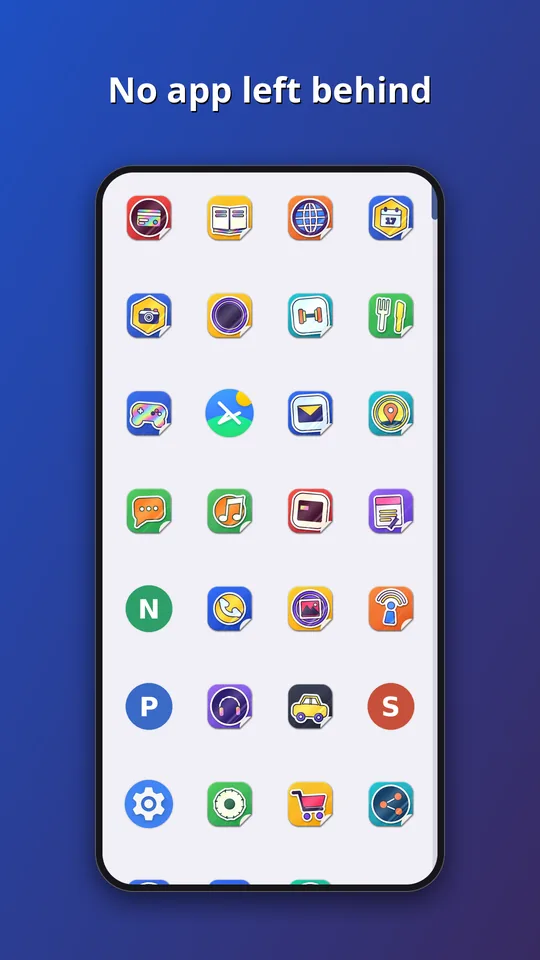
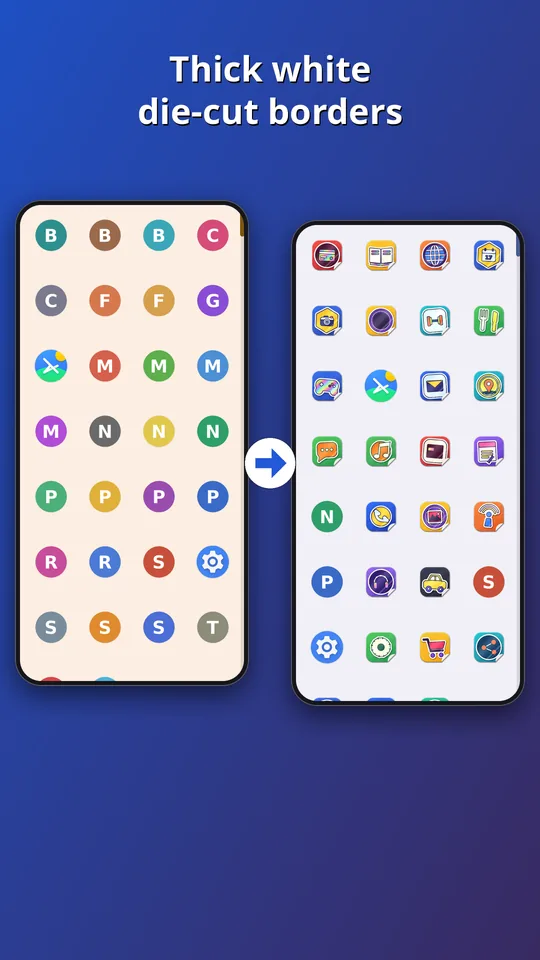
Every icon in one hand-made style, with a matching tile for apps that have no icon yet
Pay once on Google Play, no subscription and no in-app purchases to unlock icons
The app only goes online when you tap Send on an icon request
Use any Android launcher that supports icon packs, open the app and press Apply
About this icon pack
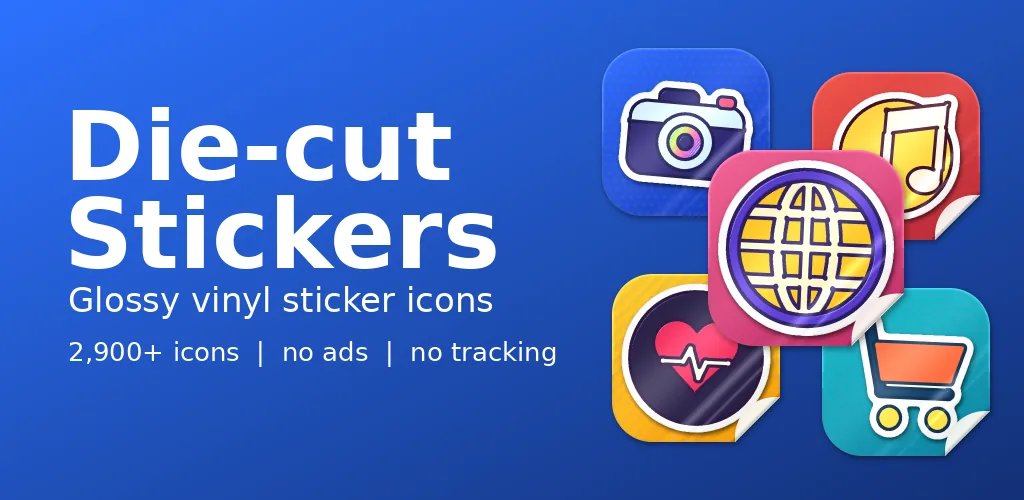
Remember the sticker sheet you never wanted to finish using? Die-cut Stickers puts that feeling on your phone. Over 2,900 icons, and every one is a glossy vinyl sticker, trimmed round its own outline and pressed onto a bright sheet.
THE CUT
Every symbol has a bold ink outline and a thick white die-cut border, just like a real sticker. One corner peels up a little, and a soft sheen runs across the vinyl from the top left. The shape stays easy to read, even small.
THE SHEET
The sticker is stuck on a bright, matte sheet with a subtle pattern: tiny dots, a fine grid or diagonal stripes. About one icon in six gets a holographic foil finish that shimmers in rainbow colours, so a full home screen has a few sparkles scattered through it.
COLOUR
Ten juicy sheet colours, from blueberry, bubblegum and lemon through lime, cherry and grape to lagoon, slate, tangerine and mint. Your common apps get a sticker that shows their job, on the sheet that sits closest to the colour of their own icon. Apps still waiting for their own sticker get a bare sheet instead, on launchers that fill in missing icons.
USE
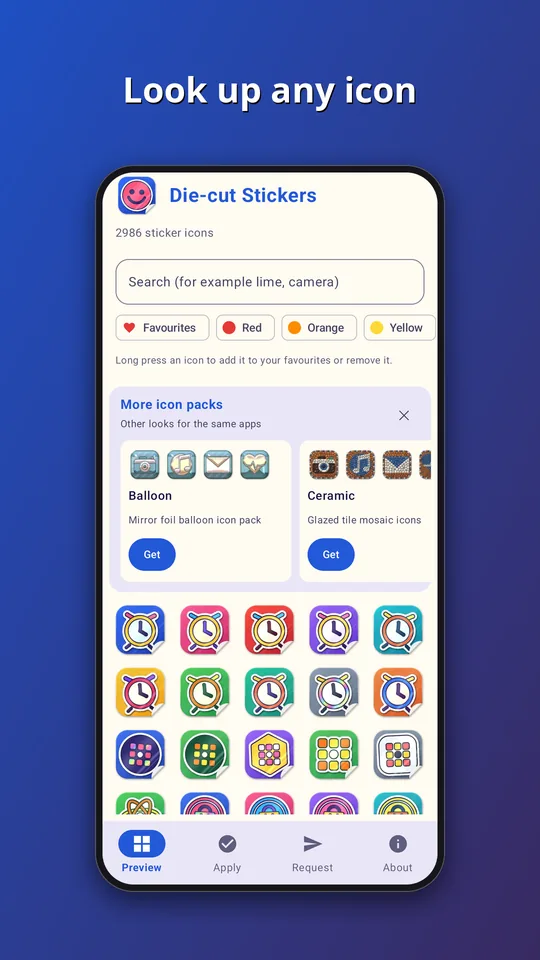
Pick any launcher that accepts icon packs, open Die-cut Stickers and press Apply. The dashboard has search across the whole set, and it switches between light and dark with your phone. Missing a sticker? Pick the app under Request, then press Send, or message the developer from About.
HONESTY
We drew each sticker ourselves, in a plain generic shape that copies nobody's logo, and no app maker has any part in this pack. The app has no ads and no tracking, and goes online only after you press Send. You pay once and there is no subscription. Made by Mortek.