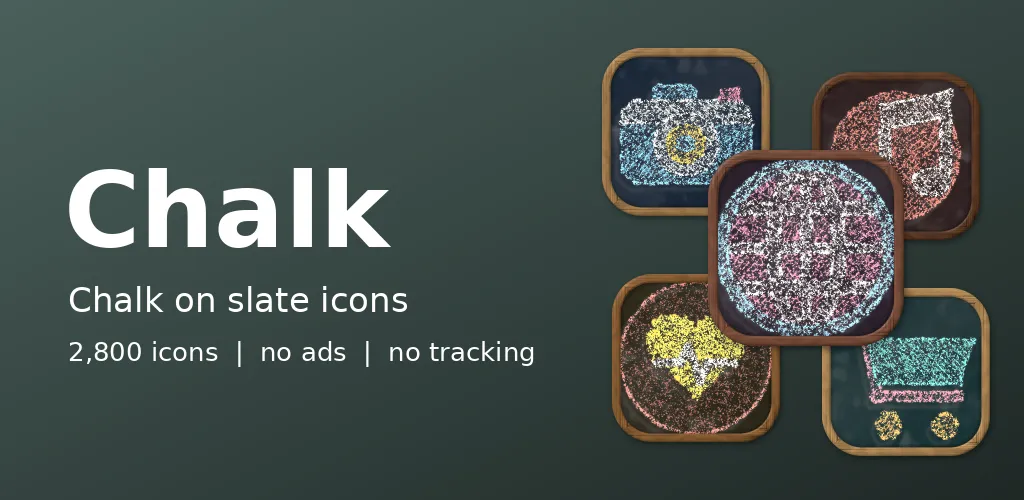
A chalkboard is never quite clean. There is always a ghost of an older lesson under the new one. Chalk puts that on your home screen, and the pack icon is a graduation cap drawn in chalk, which seemed only fair.
Lessons on slate
Icons are bold outlines filled with hatching, cross hatching or solid chalk, with sponge smudges around them and the faint ghosts of older drawings. The board comes in ten colours: ocean, berry, sunbeam, forest, brick, grape, lagoon, classroom, ember and mint. Each icon uses its own colour and technique.
A clean copy of a messy drawing
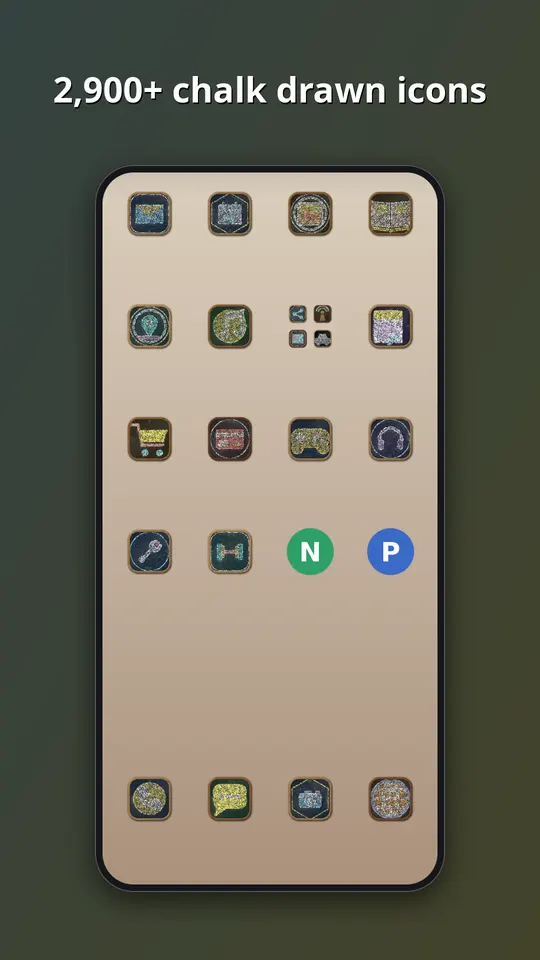
Drawing mess on purpose is trickier than drawing a clean shape. Our renderer starts with the neat outline of a generic symbol and then breaks it up, so that chalk skips on the rough slate, strokes get thinner at the ends and the fill becomes diagonal lines that do not quite meet. The smudges and the old drawings are placed by the same recipe that places everything else, so the result is repeatable. We keep the outline dark enough that nothing is lost at launcher size.
What is inside
- Almost 3,000 icons in one style, in ten board colours: ocean, berry, sunbeam, forest, brick, grape, lagoon, classroom, ember and mint.
- A themed tile for apps that have no icon of their own yet, in this case a slate tile with a chalk outline, so the grid has no gaps.
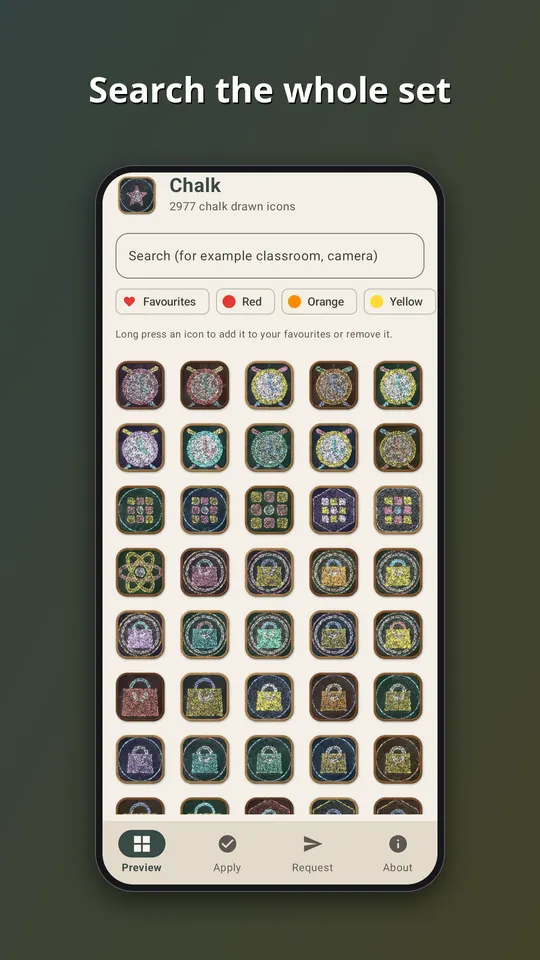
- An app that follows your phone into light or dark mode, with search across the whole set.
- An icon request screen. Tap Send and the list of apps you see, plus an email if you type one, goes straight to the developer. That is the only time the app goes online.
- No ads, no analytics and no subscription. It is a one-time purchase of EUR 1.49 on Google Play.
All the symbols are generic. They are drawn by our own tools, and none of them copies a company logo, so no app is promised an exact match. Apps get a symbol that suits what they do, in a colour close to their own.
How to use it
- Install a launcher that supports icon packs. Many do, and your current one may already.
- Open Chalk and go to the Apply tab. Pick your launcher for a one-tap apply, or open the launcher settings and choose Chalk as the icon pack.
- Later, after the pack has been updated, tap Refresh icons in the app to apply the new set again. If the launcher still shows old icons, restart it.
Take a look
You can read more on the Chalk: Slate Drawn Icons page, watch the trailer on YouTube, or go straight to Chalk on Google Play. If an icon you need is missing, send us a request from the app and we will see what we can do.
More icon packs: Watercolour Washes: Icon Pack and Neon: Glowing Tube Icons.