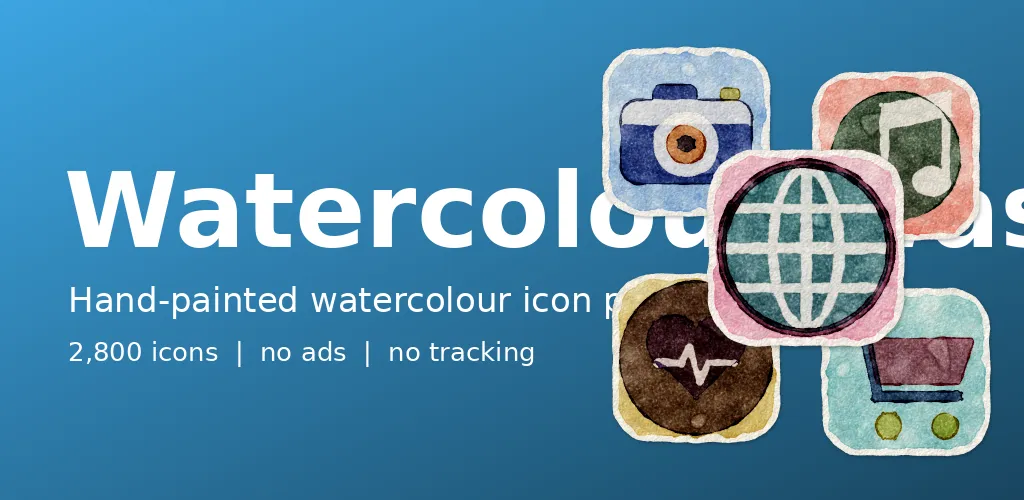
Watercolour is the opposite of what screens usually do. Edges bleed, colour pools and mistakes show. Watercolour Washes asks what happens if icons are allowed to look like that. The pack icon is a single painted water drop.
Glazes on paper
Every icon is laid down in glazes, with edges that look still a little wet and pigment settling into the grain. Soft blooms spread where two colours meet, and each icon rests on a loose wash on a deckled sheet of cold-press paper. The ten paints are dawn, lagoon, meadow, dusk, sky, rose, sunflower, poppy, slate and mint.
Teaching code to bleed
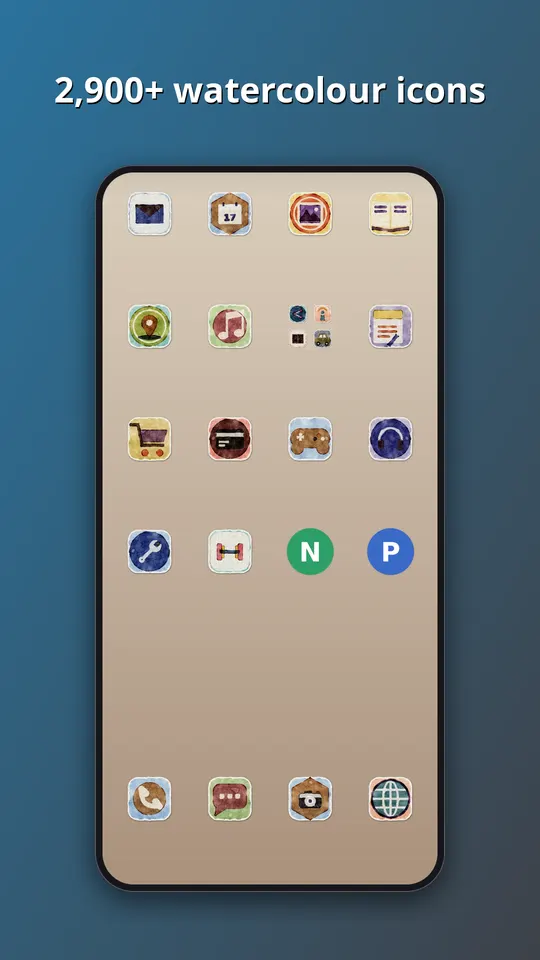
No brush touched these. Our renderer builds each icon from layered transparent washes, then lets colour creep past the outline by a random but controlled amount, the way water carries pigment. The paper grain is a texture that shows through the paint. The challenge was restraint. If the colour bleeds too far, a camera icon turns into a stain, so the symbol shape is always kept readable and the looseness stays at the edges.
What is inside
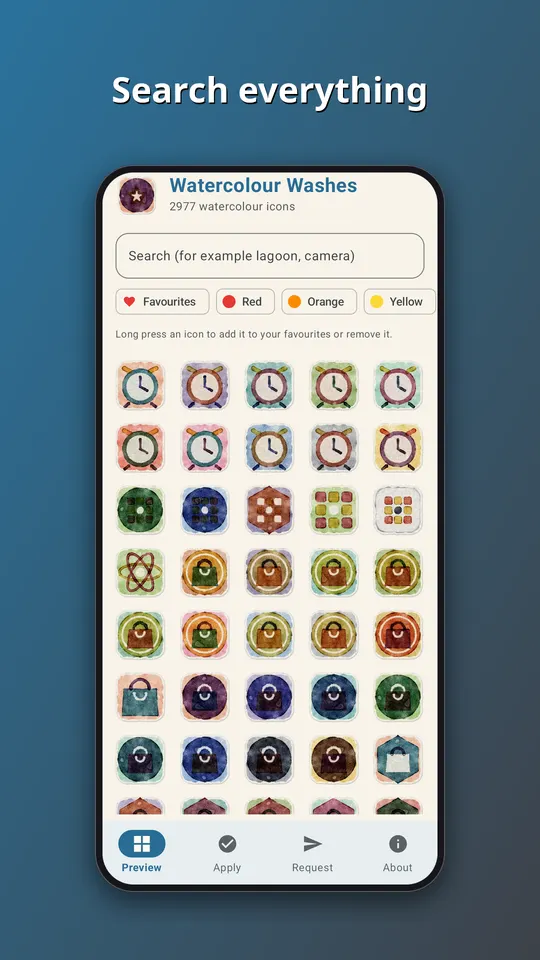
- Almost 3,000 icons in one style, in ten paints: dawn, lagoon, meadow, dusk, sky, rose, sunflower, poppy, slate and mint.
- A themed tile for apps that have no icon of their own yet, in this case a washed paper tile, so the grid has no gaps.
- An app that follows your phone into light or dark mode, with search across the whole set.
- An icon request screen. Tap Send and the list of apps you see, plus an email if you type one, goes straight to the developer. That is the only time the app goes online.
- No ads, no analytics and no subscription. It is a one-time purchase of EUR 1.49 on Google Play.
All the symbols are generic. They are drawn by our own tools, and none of them copies a company logo, so no app is promised an exact match. Apps get a symbol that suits what they do, in a colour close to their own.
How to use it
- Install a launcher that supports icon packs. Many do, and your current one may already.
- Open Watercolour Washes and go to the Apply tab. Pick your launcher for a one-tap apply, or open the launcher settings and choose Watercolour Washes as the icon pack.
- Later, after the pack has been updated, tap Refresh icons in the app to apply the new set again. If the launcher still shows old icons, restart it.
Take a look
You can read more on the Watercolour Washes: Icon Pack page, watch the trailer on YouTube, or go straight to Watercolour Washes on Google Play. If an icon you need is missing, send us a request from the app and we will see what we can do.
More icon packs: Papercut: Layered Paper Icons and Chalk: Slate Drawn Icons.