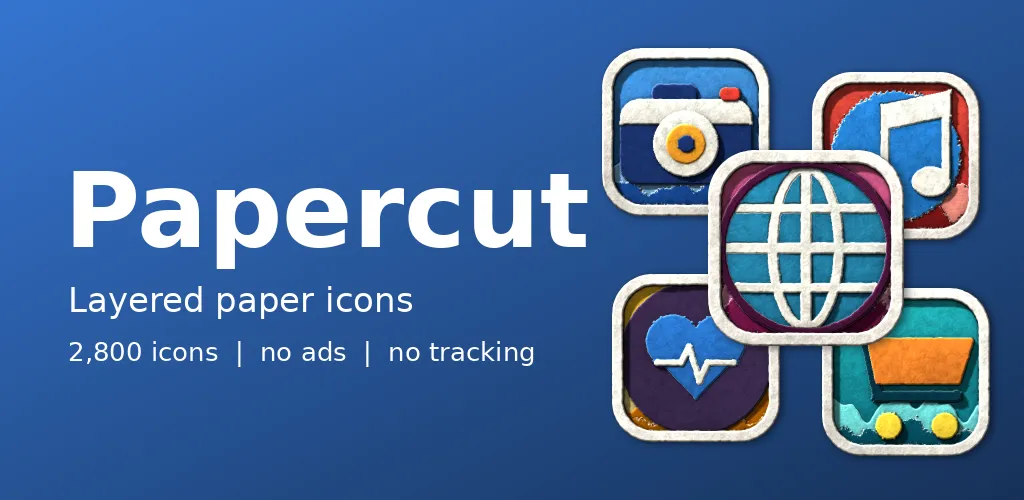
A shadowbox is a small frame in which sheets of paper are stacked so that the shadows between them make a scene. Papercut asks what that would look like at icon size. Its own icon is a folded paper plane, naturally.
Sheets and shadows
Each part of a symbol is its own piece of craft paper with a cut edge, visible grain and fibres. The pieces stack above torn paper hills on a coloured background, framed in cream. Soft shadows between the sheets give the depth. The ten paper schemes are sky, rose, sun, meadow, poppy, violet, lagoon, stone, tangerine and mint.
Depth from a stack
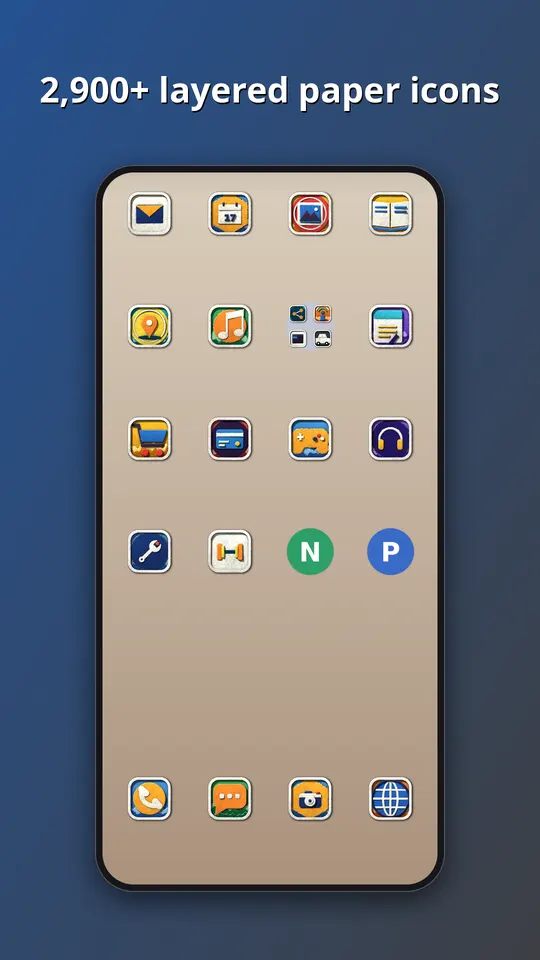
Our renderer treats an icon as a pile of flat layers, each a little higher than the last. It draws a shadow under every layer, softer where the sheets are close and sharper where they are far apart, and that is all the depth you see. There is no 3D model. The trick is to keep the layer count low. With more than a handful of sheets, a small icon turns to mud, so each symbol is split into just a few pieces and the paper grain does the rest of the work.
What is inside
- Almost 3,000 icons in one style, in ten paper schemes: sky, rose, sun, meadow, poppy, violet, lagoon, stone, tangerine and mint.
- A themed tile for apps that have no icon of their own yet, in this case a cream-framed paper tile, so the grid has no gaps.
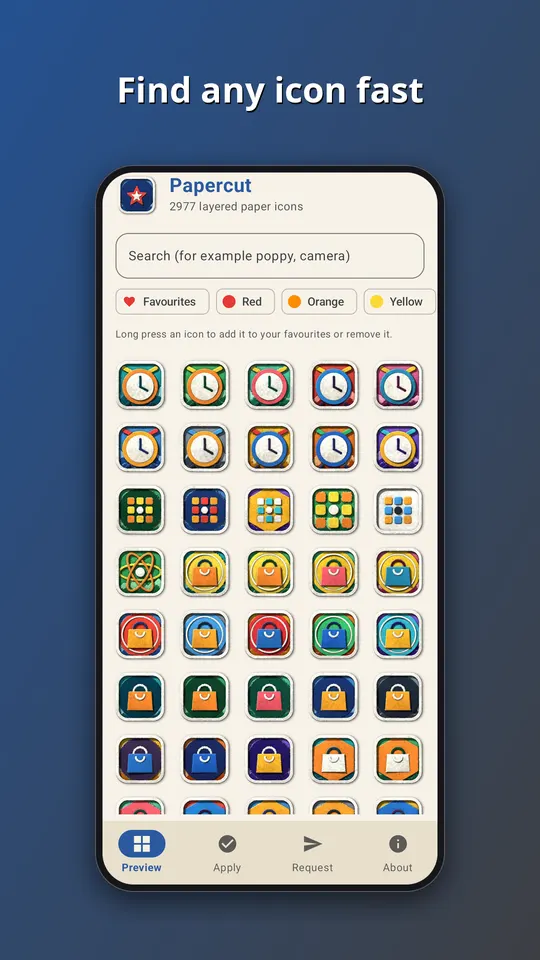
- An app that follows your phone into light or dark mode, with search across the whole set.
- An icon request screen. Tap Send and the list of apps you see, plus an email if you type one, goes straight to the developer. That is the only time the app goes online.
- No ads, no analytics and no subscription. It is a one-time purchase of EUR 1.49 on Google Play.
All the symbols are generic. They are drawn by our own tools, and none of them copies a company logo, so no app is promised an exact match. Apps get a symbol that suits what they do, in a colour close to their own.
How to use it
- Install a launcher that supports icon packs. Many do, and your current one may already.
- Open Papercut and go to the Apply tab. Pick your launcher for a one-tap apply, or open the launcher settings and choose Papercut as the icon pack.
- Later, after the pack has been updated, tap Refresh icons in the app to apply the new set again. If the launcher still shows old icons, restart it.
Take a look
You can read more on the Papercut: Layered Paper Icons page, watch the trailer on YouTube, or go straight to Papercut on Google Play. If an icon you need is missing, send us a request from the app and we will see what we can do.
More icon packs: Watercolour Washes: Icon Pack and Ceramic: Glazed Mosaic Icons.