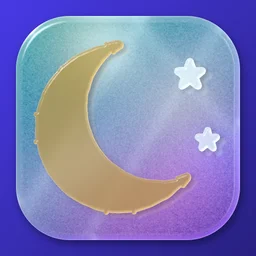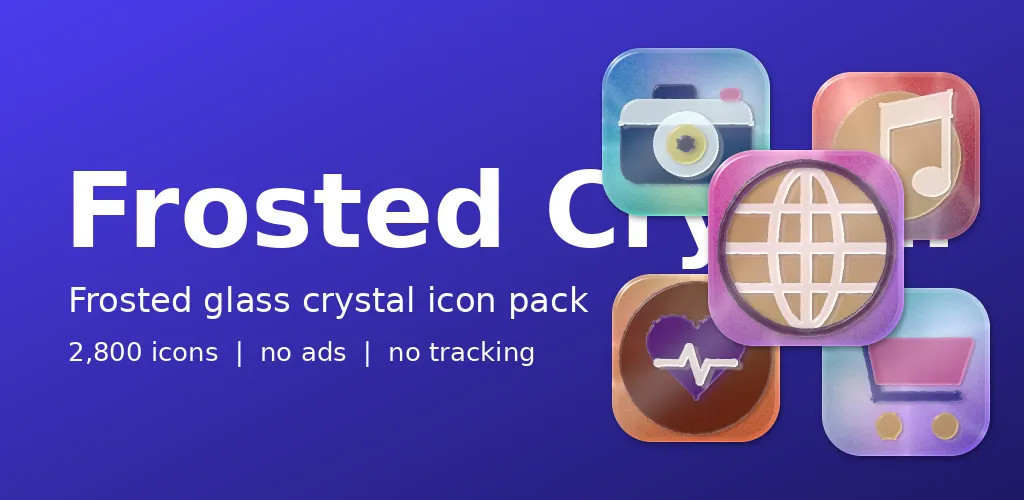
Picture a thick slab of frosted glass with a light switched on behind it. The colour does not sit on the surface, it glows from inside. That picture is Frosted Crystal, and its icon is a crescent moon floating in a pale glow.
Glass with a lamp behind it
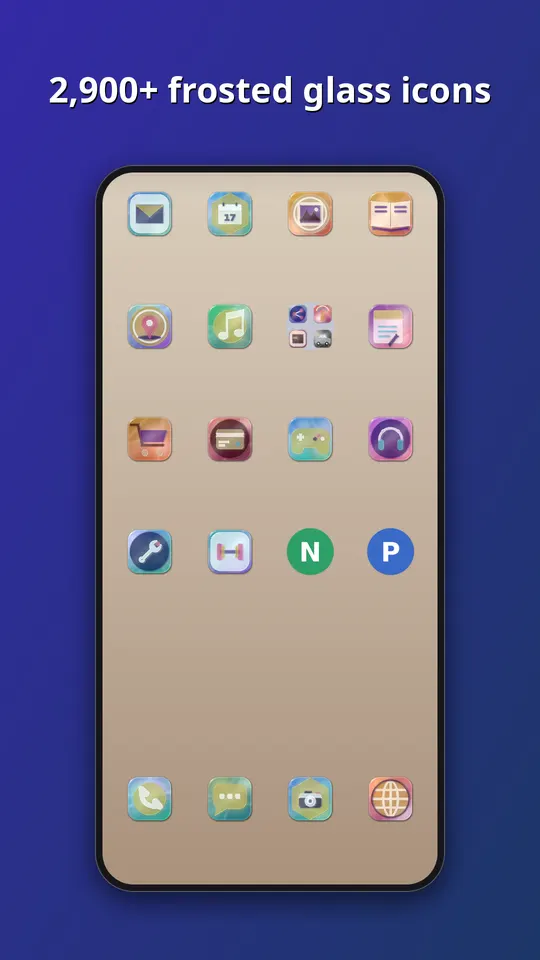
The symbols are cut into glass with polished chamfers, light bending at the edges and soft caustics. A colour glows from behind each one. There are ten glows: aurora, sunset, lagoon, orchid, rose, ruby, amber, emerald, slate and mint, so the pack feels cool and quiet rather than loud.
Refraction without a camera
Our renderer treats each symbol as a raised shape of glass and works out how light would bend at its edges. The milky frosting is a soft blur of the colour behind it. At 48 pixels, that is plenty. The part we spent the most time on is contrast. Pale glass on a pale wallpaper can vanish, so the chamfers and the glow are tuned so that every symbol still reads on both light and dark backgrounds.
What is inside
- Almost 3,000 icons in one style, in ten glows: aurora, sunset, lagoon, orchid, rose, ruby, amber, emerald, slate and mint.
- A themed tile for apps that have no icon of their own yet, in this case a frosted glass slab, so the grid has no gaps.
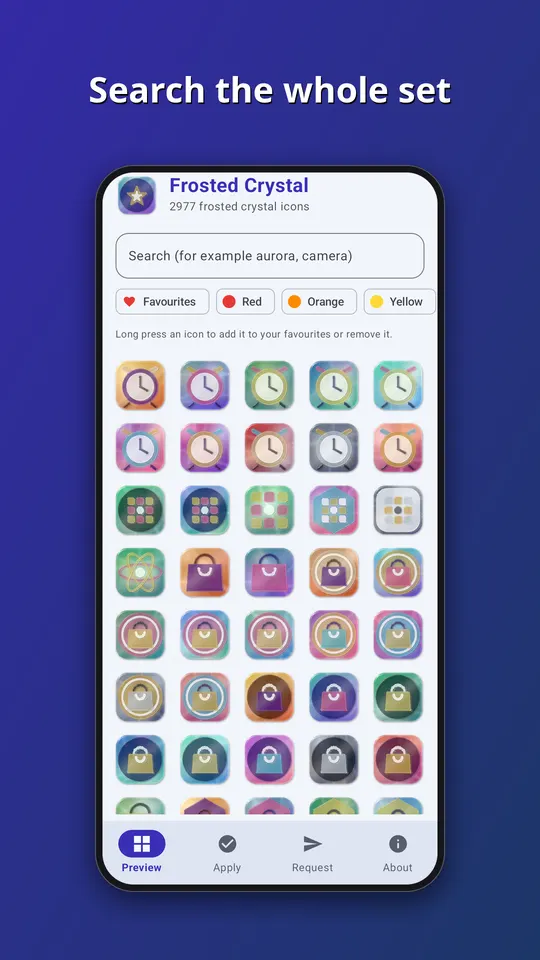
- An app that follows your phone into light or dark mode, with search across the whole set.
- An icon request screen. Tap Send and the list of apps you see, plus an email if you type one, goes straight to the developer. That is the only time the app goes online.
- No ads, no analytics and no subscription. It is a one-time purchase of EUR 1.49 on Google Play.
All the symbols are generic. They are drawn by our own tools, and none of them copies a company logo, so no app is promised an exact match. Apps get a symbol that suits what they do, in a colour close to their own.
How to use it
- Install a launcher that supports icon packs. Many do, and your current one may already.
- Open Frosted Crystal and go to the Apply tab. Pick your launcher for a one-tap apply, or open the launcher settings and choose Frosted Crystal as the icon pack.
- Later, after the pack has been updated, tap Refresh icons in the app to apply the new set again. If the launcher still shows old icons, restart it.
Take a look
You can read more on the Frosted Crystal: Glass Icons page, watch the trailer on YouTube, or go straight to Frosted Crystal on Google Play. If an icon you need is missing, send us a request from the app and we will see what we can do.
More icon packs: Neon: Glowing Tube Icons and Ceramic: Glazed Mosaic Icons.