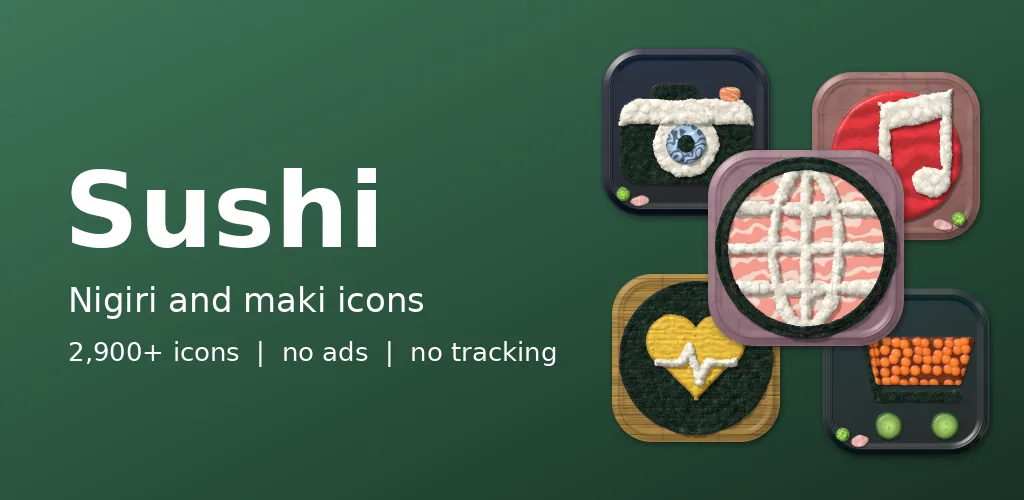
A good sushi counter is a lesson in presentation: a neat bed of rice, a glossy topping, a thin strip of nori and a plate to set it on. Sushi dresses more than 2,900 icons the same way, and it is the most delicious-looking pack we have made.
Built like nigiri
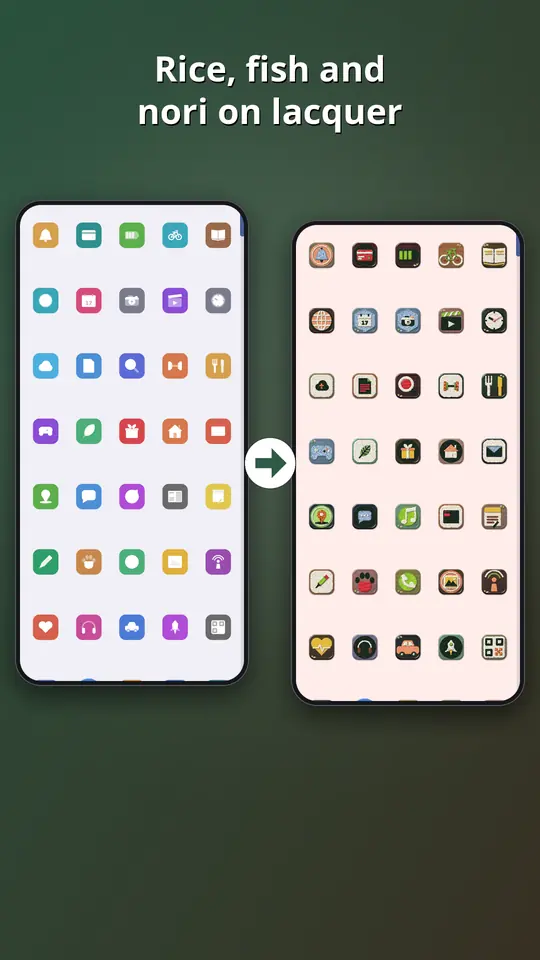
Each symbol is made of white rice with visible grains, topped with salmon, tuna, tamago, avocado, cucumber, eel, shrimp, roe or pickled ginger, and bound with a band of dark nori. Look closely and you will see the marbling in the fish and the shine on the egg. Every piece sits on a plate with a small dab of wasabi and a curl of ginger on the side.
Three plates, ten toppings
The plates come in three materials: black lacquer with a deep gloss, celadon ceramic with a fine crackle in the glaze, and woven bamboo with slats you can feel. The toppings double as the colour scheme, so the same symbol can be tuna-red, avocado-green or tamago-yellow. The glossy toppings were the challenge, because wet fish and boiled egg need different kinds of shine. We ended up with one sheen for fish, a harder one for egg, and a matte one for rice.
What is inside
- 2,900+ icons in one style, in ten toppings that make ten colour schemes: mackerel, shrimp, tamago, avocado, tuna, eel, roe, ginger, salmon and cucumber.
- A fallback tile for apps that have no icon of their own yet, a plain plate, on launchers that let an icon pack supply one, so the grid has no gaps.
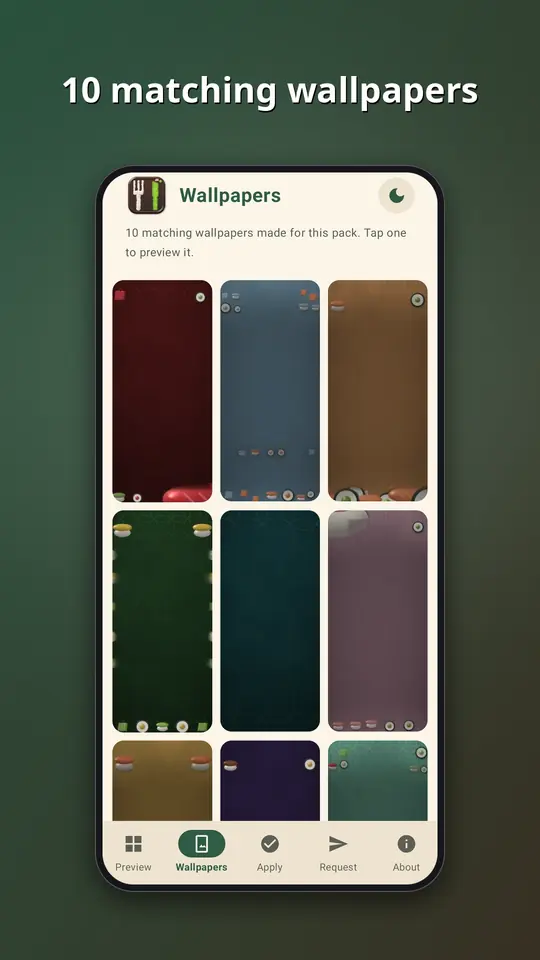
- 12 matching wallpapers, made to go with the icons. Set one for the home screen, the lock screen or both from the Wallpapers tab.
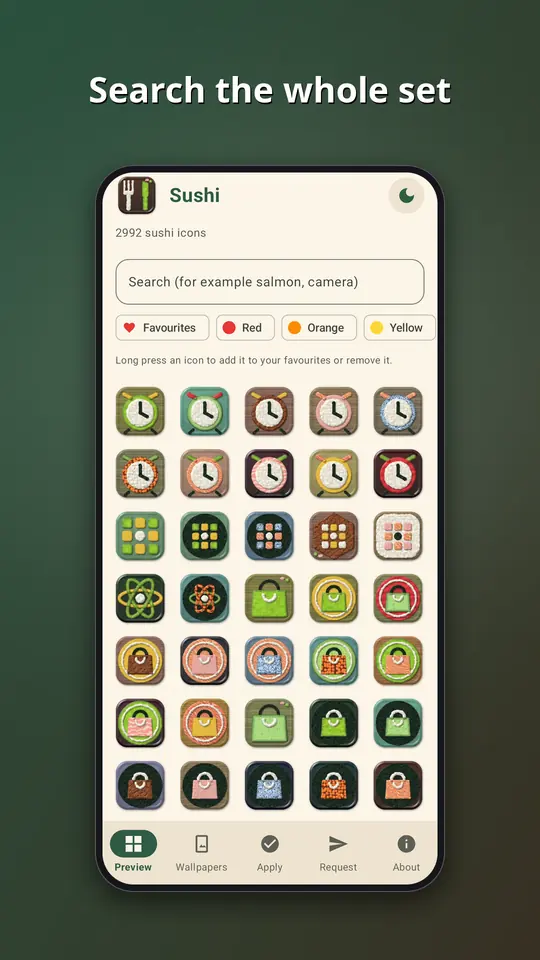
- Dark and light mode, with a toggle in the app or following your phone, and search across the whole set.
- An icon request screen. Tap Send and the list of apps you see, plus an email if you type one, goes straight to the developer. That is the only time the app goes online.
- No ads, no analytics and no subscription. It is a one-time purchase of EUR 1.99 on Google Play.
All the symbols are generic. They are drawn by our own tools, and none of them copies a company logo, so no app is promised an exact match. Apps get a symbol that suits what they do, in a colour close to their own.
Twelve wallpapers to match
An icon pack looks best on a wallpaper that belongs to it, so Sushi comes with twelve. They share the colours and the mood of the icons, and you can set any of them from the app without installing anything else.
How to use it
- Install a launcher that supports icon packs, such as Nova Launcher, Lawnchair, Niagara, Smart Launcher, Apex Launcher or ADW Launcher. Your current one may already.
- Open Sushi and go to the Apply tab. Pick your launcher for a one-tap apply, or open the launcher settings and choose Sushi as the icon pack.
- Later, after the pack has been updated, tap Refresh icons in the app to apply the new set again. If the launcher still shows old icons, restart it.
On a Samsung phone? Samsung's own launcher, One UI Home, does not support icon packs, so install one of the launchers above first and set it as your home app. The app has a short guide that walks you through it.
Take a look
You can read more on the Sushi: Nigiri and Maki Icons page or go straight to Sushi on Google Play. If an icon you need is missing, send us a request from the app and we will see what we can do.
More icon packs: Ceramic: Glazed Mosaic Icons and Woodblock Print: Ink Icons.